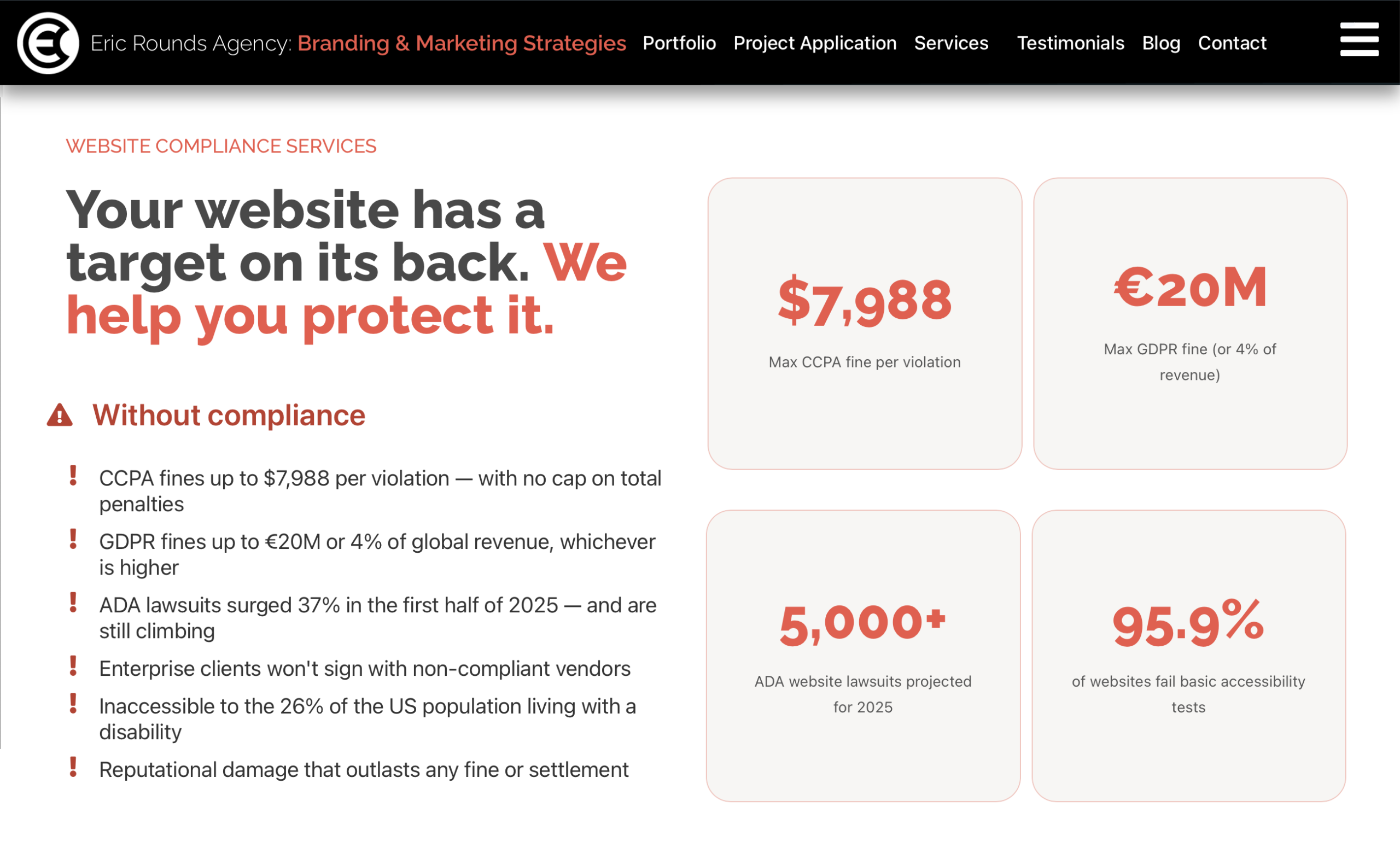
Your website has a target on its back. We help you protect it.
Website accessibility requirements now span ADA, GDPR, CCPA, and cookie consent. The legal landscape is enforced more aggressively than ever, and one missed requirement can cost more than a full rebuild.
The stakes
Intentional CCPA violations now carry penalties up to $7,988 per incident, with no cap on the total.
Secure Privacy, CCPA 2026The GDPR maximum applies to any organization that collects data from EU residents, wherever the business is based.
GDPR Article 83UsableNet recorded 2,019 ADA website lawsuits in the first half of 2025 alone, projecting nearly 5,000 by year end.
Accessibility.Works, 2025The WebAIM Million found 95.9% of the top one million home pages had detectable accessibility failures.
WebAIM MillionThe risk is real
What happens when you skip compliance, side by side.
Without compliance
- CCPA fines up to $7,988 per violation, with no cap on the total
- GDPR fines up to €20M, or 4% of global revenue, whichever is higher
- ADA lawsuits rose about 20% in the first half of 2025, and are still climbing
- Enterprise clients won't sign with non-compliant vendors
- Inaccessible to the 26% of the US population living with a disability
- Reputational damage that outlasts any fine or settlement
With compliance
- Documented consent records that hold up in audits and investigations
- Access to enterprise and government contracts that require it
- Genuine trust with privacy-conscious buyers, increasingly the majority
- Full access to users who rely on assistive technology (26% of US adults)
- Regulatory updates handled proactively, not scrambled for after the fact
- A competitive edge: most small business sites are still non-compliant
ADA website lawsuit data sources
- EcomBack 2025 Mid-Year Report (PRNewswire) · 2,019 lawsuits filed in H1 2025, about a 20% year-over-year increase
- Accessibility.Works 2024 Year-End Review · over 4,000 digital accessibility lawsuits in 2024; 1 in 4 targeted a site that already had an accessibility widget installed
- UsableNet 2024 Digital Accessibility Lawsuit Report · state-level ADA cases rising; New York and California account for 40% of all cases
- DarrowEverett LLP, 2025 ADA Litigation Analysis · Illinois up 746% year over year; Florida nearly doubled filings in H1 2025
- Accessibility.Works, AI-Fueled ADA Lawsuits (2025) · 2025 projected to reach nearly 5,000 cases; 64% target businesses under $25M annual revenue
Does this apply to your business?
The ADA was written to evolve, and “places of public accommodation” now includes websites. If your business affects interstate commerce and falls into any of these categories, website compliance is not optional, including on the site itself.
- Hospitality: hotels, motels, inns
- Food & Beverage: restaurants, bars
- Entertainment: theaters, stadiums, venues
- Commerce & Retail: any sales or rental establishment
- Professional Services: law offices, accountants, insurance
- Healthcare: hospitals, clinics, pharmacies
- Personal Services: salons, laundromats, repair shops
- Financial Services: banks, lending, finance
- Public Display: museums, libraries, galleries
- Education: private schools and institutions
- Social Services: daycare, shelters, nonprofits
- Recreation: gyms, spas, golf, bowling
What we audit
Eight technical checks every compliant website needs. Most WordPress sites are missing several out of the box, and each one below is something we verify and fix on every site.
Image alt attributes
Every image needs a descriptive alt tag. Screen readers use it to describe images to visually impaired users, and it directly benefits your SEO.
Form field labels
Input fields need visible labels, not just placeholder text, which disappears the moment a user starts typing and is invisible to screen readers.
Descriptive link text
Links that read “click here” or “read more” are meaningless out of context. Every link should describe where it goes, in its visible text or an aria-label.
Skip navigation link
Keyboard users need a way to jump past long menus straight to the main content. Small effort, high impact, and a common lawsuit trigger when it is missing.
Proper heading hierarchy
Pages should use H1 through H6 in logical order. Screen readers navigate by headings the same way sighted users scan a page visually.
Language attribute
The lang attribute on the HTML tag tells browsers and assistive technology which language the page uses, so content is pronounced and rendered correctly.
Frame and iframe titles
Every iframe, whether a YouTube embed, a map, or a contact form, needs a descriptive title attribute so screen readers can identify the embedded content.
New window warnings
When a link opens in a new tab, assistive-technology users need to be told. Unexpected context changes are disorienting and count as an accessibility failure.
Check your own site
Here is a fast way to see where you stand. Open the WAVE evaluation tool, enter your URL, and you will get a full list of violations to prioritize.
Why isn’t my site already coded for this?
The web is always evolving. Your current site is not coded incorrectly. It is now coded incompletely: new requirements mean new code is required, and next year will bring more adjustments still. Let’s get ahead of it. Use the wizard below for a quick read on what your site needs, and we will follow up with an evaluation and a quote.
Compliance wizard
What does your site actually need?
Two questions. Instant answer.
Step 1 · Where is your primary audience?
Step 2 · What type of business is this for?
Answer both questions and your compliance profile appears here.
Your compliance profile
Required for your site
Strongly suggested
Based on your answers, we have highlighted the recommended package below.
Entry level
Foundation
Get the essentials in place
Fees vary based on several variables
Essential compliance setup using proven plugins, properly configured for your existing WordPress site. No recoding. No fuss.
- Cookie consent banner (Complianz)
- GDPR / CCPA basic configuration
- Privacy policy page creation
- Google Consent Mode v2 setup
- Geo-targeted banner display
- Basic consent logging
- ADA / WCAG accessibility overlay
- Multi-region policy generation
- Code-level WCAG remediation
Most popular
Compliance Pro
The smart middle ground
Fees vary based on several variables
Full plugin-based compliance suite, properly configured, tested, and actively maintained. No recoding required. This is where most sites need to be.
- Everything in Foundation
- Complianz Privacy Suite (full config)
- ADA / WCAG overlay, installed and configured
- Multi-region consent (GDPR, CCPA, PIPEDA)
- Cookie scanner and auto categorization
- Privacy policy and cookie policy generation
- Do Not Sell / Share opt-out (CCPA)
- Full consent log audit trail
- Monthly compliance check-in report
- Custom consent infrastructure
- Code-level WCAG remediation
Flagship
Enterprise
Built right from the ground up
Fees vary based on several variables
Full WCAG 2.1 AA remediation and custom-coded consent infrastructure. No overlays. No third-party scripts. Built for organizations that cannot afford legal exposure.
- Everything in Compliance Pro
- WCAG 2.1 AA audit with a written report
- Accessibility-first HTML / CSS remediation
- Custom consent management, no overlay
- Keyboard navigation and screen reader fixes
- Color contrast and focus state remediation
- Ongoing compliance monitoring dashboard
- Quarterly compliance review call
- Legal-grade consent documentation
Fees shown assume a standard WordPress site. Complex or custom-built sites begin with a scoping call.
Monthly maintenance covers plugin updates, policy refresh, and compliance monitoring.
This is not legal advice. Compliance strategy for your situation should be reviewed with qualified counsel.